The Problem
Every factory floor I’ve worked with has the same pattern. Someone needs PLC data in a web dashboard. Or a data pipeline. Or a mobile app. So they write a small service that connects to the PLC via ADS, reads some variables, and exposes them over HTTP.
That service works. For a while.
Then someone else needs different variables. They write their own service. Now there are two. Neither has authentication. Both hold their own ADS connections. Nobody remembers which port they run on. Six months later there are five of these things, written in three languages, and the one that monitors the paint line runs on a laptop under someone’s desk.
This is not a hypothetical. I’ve seen it happen more than once.
What ADS Actually Is
Beckhoff’s ADS (Automation Device Specification) is the protocol TwinCAT uses to communicate with PLCs. It’s a binary protocol that runs over TCP. You address targets by AMS Net ID — a six-byte address that looks like an IP but isn’t one. To talk to a PLC, you need a local ADS router that knows how to reach the target’s AMS Net ID.
The protocol itself is fine. It’s fast, it’s reliable, it does what it needs to do. The problem is the tooling around it. The official .NET SDK (Beckhoff.TwinCAT.Ads) works well, but it assumes you’re running on a Windows machine with TwinCAT installed. If you want to talk to a PLC from a Linux server, from a container, or from a machine that doesn’t have TwinCAT — you need to think harder.
The TwinCAT.Ads.TcpRouter NuGet package solves part of this. It embeds an ADS router in your process. No TwinCAT installation required. It runs on Linux, macOS, Windows. But you still need to write the service that uses it.
The Decision
I decided to write it once, properly, and stop rewriting it.
The requirements were straightforward:
- HTTP API for reading and writing PLC variables. JSON in, JSON out.
- Authentication. Real authentication, not “it’s on the internal network so it’s fine.”
- Multi-PLC support. One API instance, multiple PLC targets with aliases.
- Real-time subscriptions. Not polling. ADS supports notifications natively — use them.
- Rate limiting. Because the first thing that happens when you give people an API is someone writes a tight loop.
- Symbol protection. Not every variable should be writable from the outside.
That’s it. No workflow engine, no historian, no dashboard. Just the API.
Architecture
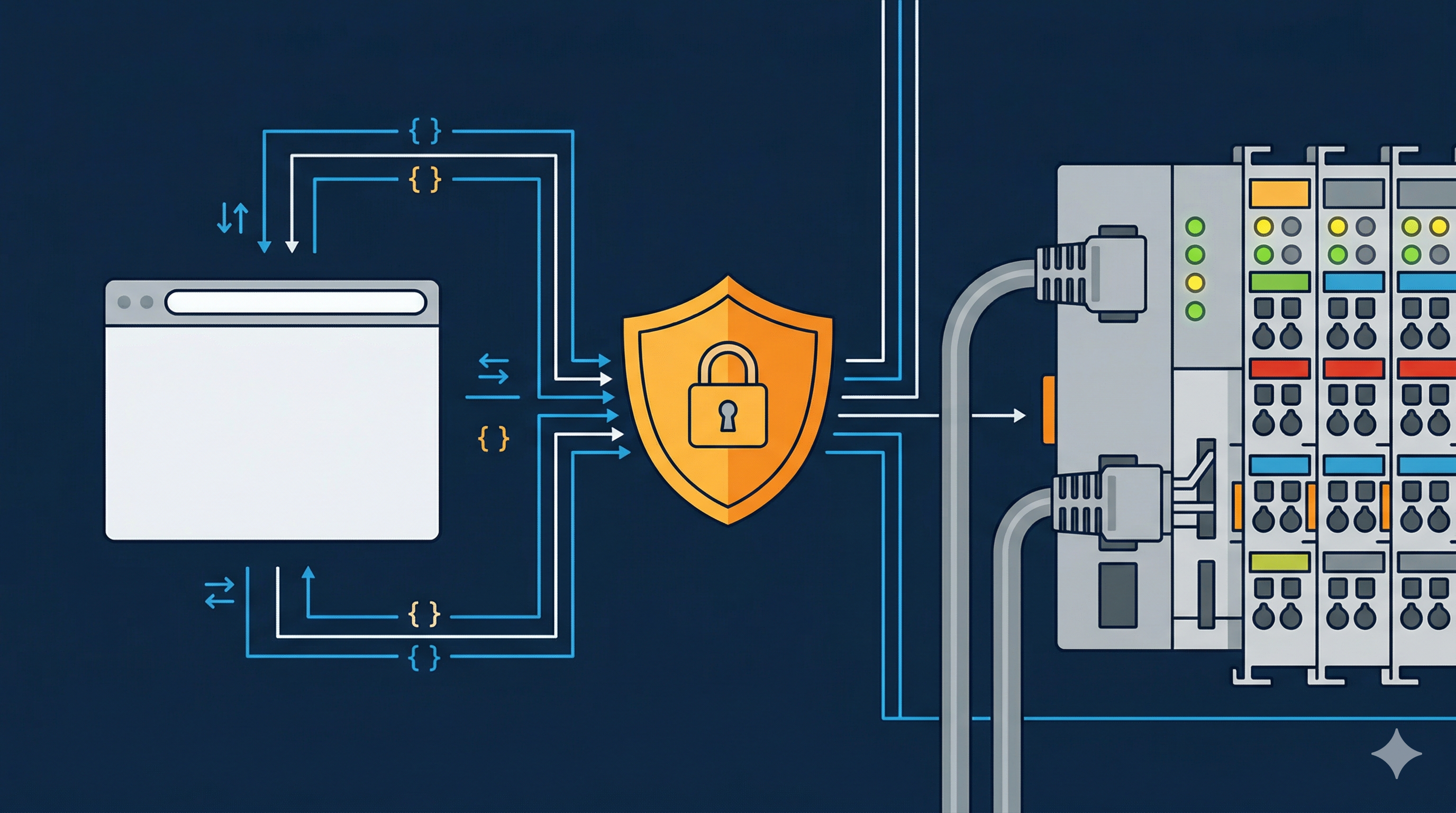
Adsify is an ASP.NET Core application organized in vertical slices. Each feature — variables, symbols, notifications, EtherCAT diagnostics — owns its controller, service, and models. Cross-cutting concerns like authentication, rate limiting, and ADS connection management are shared infrastructure.
The ADS layer manages a pool of connections. Each PLC target gets its own connection with automatic reconnection. The embedded ADS router handles AMS routing without a TwinCAT installation. You configure PLC targets in appsettings.json with an alias, an AMS Net ID, and a port:
{
  "PlcTargets": {
    "Line1": {
      "AmsNetId": "5.80.201.1.1.1",
      "Port": 851,
      "DisplayName": "Assembly Line 1"
    }
  }
}
Then GET /api/plcs/Line1/variables/MAIN.nSpeed returns the current value of MAIN.nSpeed on that PLC. That’s the whole idea.
Authentication and Access Control
Authentication is OIDC/OAuth2 with JWT bearer tokens. Any identity provider works — Keycloak, Entra ID, Auth0. In development mode, authentication is bypassed so you can test with curl without setting up an IdP first.
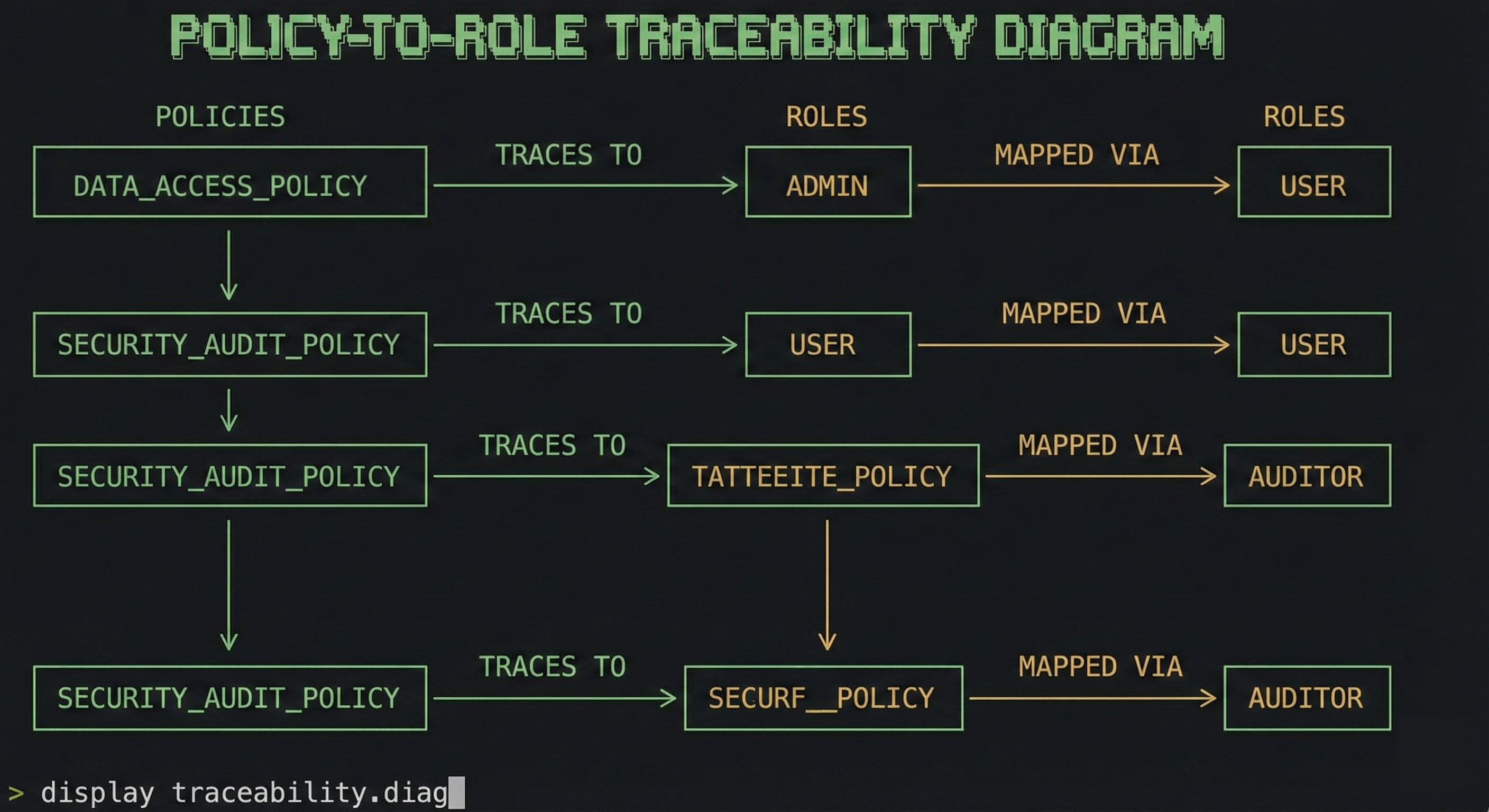
Authorization has three layers:
Roles define what operations you can perform. A viewer can read. An operator can read and write. An admin can control PLC lifecycle.
Per-PLC access controls which PLCs a user can reach. Not everyone should see every PLC.
Symbol guards control which variables can be written. You configure an allowlist or denylist with glob patterns:
{
  "SymbolAccess": {
    "Mode": "denylist",
    "Denied": ["System.**", "TwinCAT.**"]
  }
}
On top of that, value constraints let you set min/max ranges and enum validation per variable. If someone tries to set a motor speed to 50,000 RPM through the API, the request gets rejected before it reaches the PLC.
Real-Time Notifications
ADS has native support for variable change notifications. The PLC sends you updates when a value changes, at a configurable cycle time. Adsify exposes this through two transports:
Server-Sent Events for simple HTTP clients. Open a connection, receive a stream of JSON events. Works with curl, works with EventSource in a browser.
WebSocket via SignalR for applications that need bidirectional communication. Subscribe and unsubscribe to variables on a live connection. This is what you’d use for an HMI.
The interesting part is shared subscriptions. If ten clients subscribe to MAIN.nTemperature, Adsify creates one ADS notification and fans it out. Reference-counted. When the last client disconnects, the notification is released. This matters because ADS notifications are a limited resource on the PLC side.
EtherCAT Diagnostics
This was a late addition but turned out to be one of the most useful features. Adsify can read EtherCAT diagnostic data from the PLC — master state, slave health, error counters, frame statistics, topology.
It’s the same data you’d see in the TE2000 EtherCAT Diagnostics tool, but available over HTTP. You can build monitoring dashboards, set up alerts on CRC error thresholds, or feed the data into your existing observability stack.
Feature-flagged. Disabled by default. Enable it if you need it.
The MCP Server
This is the part I didn’t plan for originally but couldn’t resist adding.
The Model Context Protocol is an open standard that lets AI assistants interact with external tools. Adsify exposes its API as an MCP server at /mcp. An AI assistant connected to it can list PLCs, read variables, browse symbols, and check EtherCAT health — all through natural language.
“What’s the current speed of the motor on Line 1?” turns into a read_variable tool call. “Show me the EtherCAT topology” turns into a get_ethercat_health call. The AI handles the translation.
This isn’t a toy. In a commissioning scenario, an engineer can ask questions about the system state without knowing the exact symbol paths. The assistant browses the symbol tree, finds the relevant variables, and reads them.
Security
The moment you expose PLC variables over HTTP, security stops being optional. A misconfigured bridge that lets anyone write to any variable is not a theoretical risk — it’s the default state of most ad-hoc solutions I’ve seen in the field.
Adsify treats security as a core feature, not an afterthought. What’s already in place:
- JWT authentication with OIDC/OAuth2. No anonymous access in production.
- Role-based access control — viewer, operator, admin — with scope-based permissions (
ads:read,ads:write,ads:lifecycle). - Per-PLC authorization. Users only see the PLCs they’re allowed to see.
- Symbol guards with allowlist/denylist and glob patterns. Deny writes to
System.**andTwinCAT.**by default. - Value constraints — min/max ranges, enum validation, read-only flags. The API rejects invalid writes before they reach the PLC.
- Rate limiting per user, per endpoint. Variable writes are capped at 20/sec by default. Batch operations at 5/sec.
- Security headers — HSTS, CSP, X-Frame-Options out of the box.
- Feature flags — disable what you don’t use, reduce the attack surface.
And there’s more coming. The current roadmap includes default-deny PLC access when claims are absent, input validation across all DTOs, a dedicated security test suite covering traversal, injection, and auth bypass scenarios, request body size limits, audit logging for all write operations, and mTLS support for machine-to-machine authentication.
The goal is simple: if you put Adsify between your network and your PLCs, the PLCs should be harder to misuse than they were before. Not easier.
What It Doesn’t Do
Adsify is not a SCADA system. It’s not a historian. It doesn’t store time-series data. It doesn’t have a UI. It doesn’t manage PLC programs or deploy code.
It’s a bridge. HTTP on one side, ADS on the other. Everything else is someone else’s job.
Feature Flags
Every major feature can be toggled independently. If you only need variable read/write, disable notifications, EtherCAT, MCP, and file access. Fewer features enabled means fewer endpoints exposed, which means a smaller attack surface.
{
  "Features": {
    "Variables": { "Enabled": true },
    "Symbols": { "Enabled": true },
    "Notifications": { "Enabled": false },
    "EtherCatDiagnostics": { "Enabled": false },
    "Mcp": { "Enabled": false }
  }
}
Availability
Adsify is currently closed source. The plan is to open source it under Apache 2.0 once it’s ready — meaning the security hardening is done, the API surface is stable, and the documentation covers what it needs to cover. I don’t want to release something half-baked and call it open source.
If you work with TwinCAT and this solves a problem you have, reach out. I’m happy to give early access to people who want to use it and give feedback. That’s how you build something that actually works for the people who need it.